Select the XTOOL website you want to visit.
You will only be redirected after selecting a website.
When ECU programming stops unexpectedly, the next useful action is to preserve the evidence and identify the applicable OEM recovery instructions. A stalled progress bar, a failed file download and a module that stops communicating describe different events. Treating them as the same failure can send a workshop down the wrong recovery path.
This guide helps professional technicians document an interrupted programming session, distinguish observations from assumptions and prepare a useful support request. It does not replace the vehicle manufacturer's module-specific programming and recovery procedure.
Interrupted ECU programming is a programming session that fails to complete its intended sequence, which may include authentication, file transfer, memory writing and final verification.
First, record the last confirmed operation. Did the application reject the subscription before selecting a calibration? Did a download fail while retrieving files? Did the screen explicitly report that module writing had started? If the application does not expose the stage, record it as unknown rather than inferring it from the percentage displayed.
The scope of SAE J2534-1's January 2022 recommended practice describes a standardized PC-to-vehicle interface for emission-related module reprogramming in model-year 2004 and later vehicles. The vehicle manufacturer's application controls the programming sequence. Interface compatibility therefore does not establish that every module or recovery operation is supported.
When evaluating J2534 pass-thru devices, separate the interface's role from the OEM application's role. A communication error involving both systems needs evidence from both sides.
| Last confirmed stage | Evidence worth preserving | What remains unproven |
|---|---|---|
| Authentication or session setup | Login result, subscription status, vehicle selection and exact error | Whether any module memory was changed |
| Calibration download | File identifier, download status, application log and timestamp | Whether vehicle-side writing began |
| Erase or write operation | Target ECU, reported progress, last successful message and power history | Whether a permitted recovery session can reconnect |
| Verification or setup | Displayed software identifiers, verification result and incomplete setup tasks | Whether the vehicle meets the OEM completion criteria |
A programming incident record is a timestamped package connecting the vehicle, target module, software environment and observed failure.
Preserve the exact error text and code before dismissing the message. Save screenshots without cropping away the application name or operation status. Export logs using the application's documented method when available; a photograph of an error can supplement a log but cannot reproduce its session history. Keep originals and identify any redacted copies shared externally.
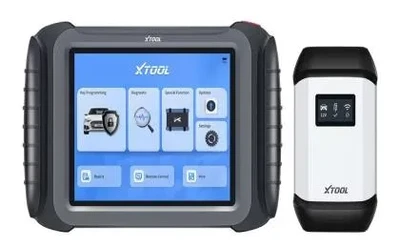
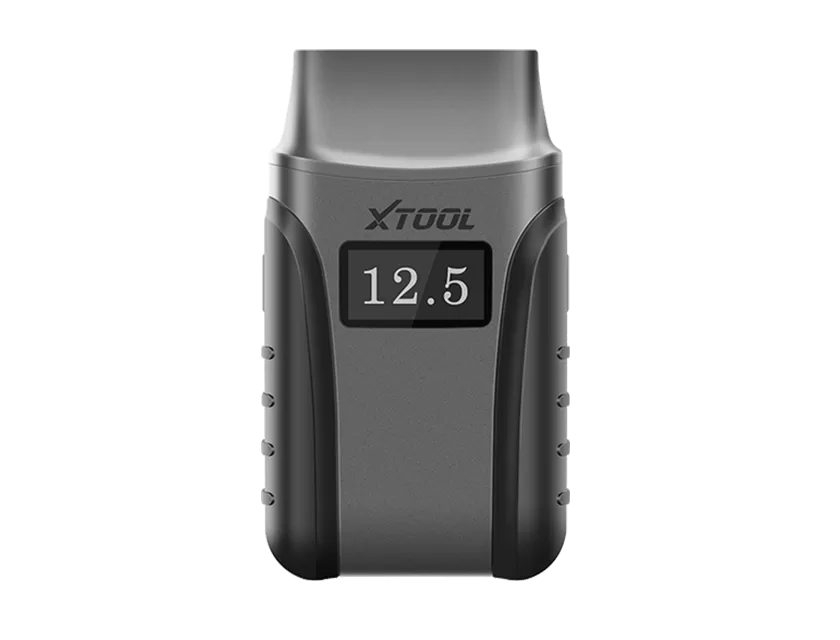
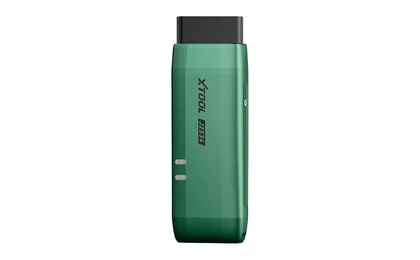
For an XTOOL XPortal session, use the XPortal interface information to identify the device involved, then record the installed driver and firmware versions from the actual system. Do not replace those values with the newest versions advertised online.
| Record group | Workshop entry |
|---|---|
| Vehicle and job | VIN in the secure job record; model year, market, engine and authorized programming task |
| Target ECU | Module name, hardware number, original software identifier and intended calibration |
| PC and interface | Operating-system build, OEM application version, interface serial number, driver and firmware |
| Timeline | Start time, last confirmed stage, interruption time and every subsequent action |
| Power and connection | Support-equipment mode, observed voltage with measurement location, and PC-to-interface connection |
| Files and status | Log filenames, screenshots, pre-scan and current communication status if checked as directed |
A voltage reading taken after the failure cannot establish what happened during writing. Distinguish an observed voltage trend from a single later measurement. Likewise, an internet outage noticed afterward is a possible lead, not a proven cause.
An OEM recovery procedure defines the permitted response to a particular programming failure for the affected vehicle, module and software system.
Read the currently applicable service information and the application's instructions before changing the connection state. Repeated ignition cycling, battery disconnection, driver changes or switching interfaces can change the evidence and may conflict with the recovery process. There is no universal disconnect-and-retry sequence.
Power requirements are also application-specific. A Mitsubishi ECU reprogramming bulletin for affected 2022–2024 Outlanders warns that low auxiliary-battery voltage can cause incomplete programming and ECU damage. That bulletin illustrates why stable power matters; its procedure must not be applied to unrelated vehicles.
For another example, GM bulletin 24-NA-113 on Vehicle Wide Programming distinguishes completed, blocked, partial, failed and skipped statuses and specifies a retry sequence within that workflow. Those labels and instructions are not generic recovery rules for every GM module or J2534 application.
A useful workshop decision has three possible outcomes: proceed under a matching documented procedure, pause for OEM or interface support, or stop because the required conditions cannot be established. Record the document revision, applicable section and support case number. Ask support a specific question, such as whether the reported module state is eligible for the named recovery function.
A recovery outcome record shows what was attempted, what completed and which required vehicle checks remain outstanding.
Preserve the final application result, resulting software identifiers, any transaction or claim code, and the post-scan. Complete only the setup, initialization, relearn and verification tasks required for that vehicle. A successful write message alone does not establish that all associated setup is finished.
If recovery remains incomplete, describe the unresolved state directly: for example, “OEM recovery session cannot identify the target ECU; support case remains open.” Avoid promising that a module can be recovered before its condition and authorized options are known.
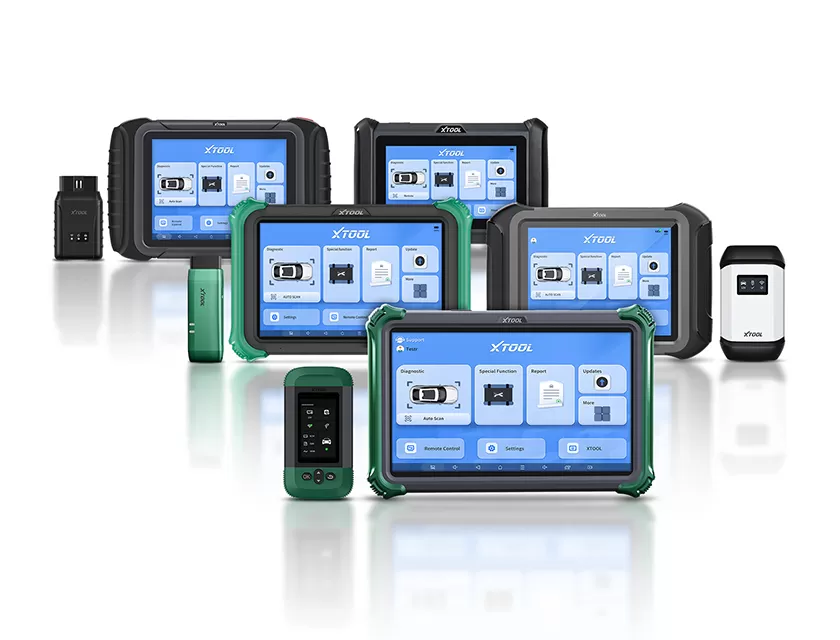
For XTOOL documentation, start with official product manuals and brochures. When requesting technical assistance, provide the vehicle application, XPortal identifiers, OEM software version, last confirmed stage and saved logs. This gives the support team a concrete incident to investigate.
A useful interrupted-programming record preserves the failure stage, operating environment and instructions that govern the next action.
Record first, verify the applicable recovery path and retain the final evidence. This approach helps workshops make defensible decisions and gives XTOOL and OEM support a clearer starting point without assuming that every failed module has the same remedy.
These ECU programming recovery questions clarify the difference between a documented interruption and a confirmed recovery option.
A download error alone does not establish whether ECU writing started.
Preserve the exact error, session logs, timestamps, vehicle and module identifiers, software versions and last confirmed operation.
No. Follow the applicable OEM instructions before changing ignition, battery or interface connections.
No universal guarantee is possible. Recovery depends on the module state, supported procedures and the nature of the failure.
The applicable vehicle manufacturer's service information and programming application define the vehicle-side procedure. Interface support addresses device-specific issues.
Include final software identifiers, application status, required setup results, post-scan evidence and any unresolved conditions.