Select the XTOOL website you want to visit.
You will only be redirected after selecting a website.
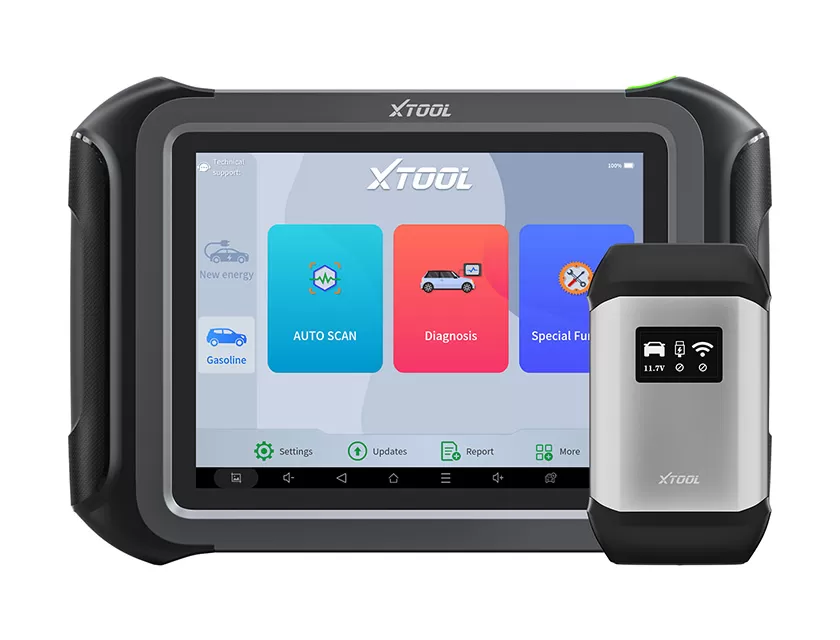
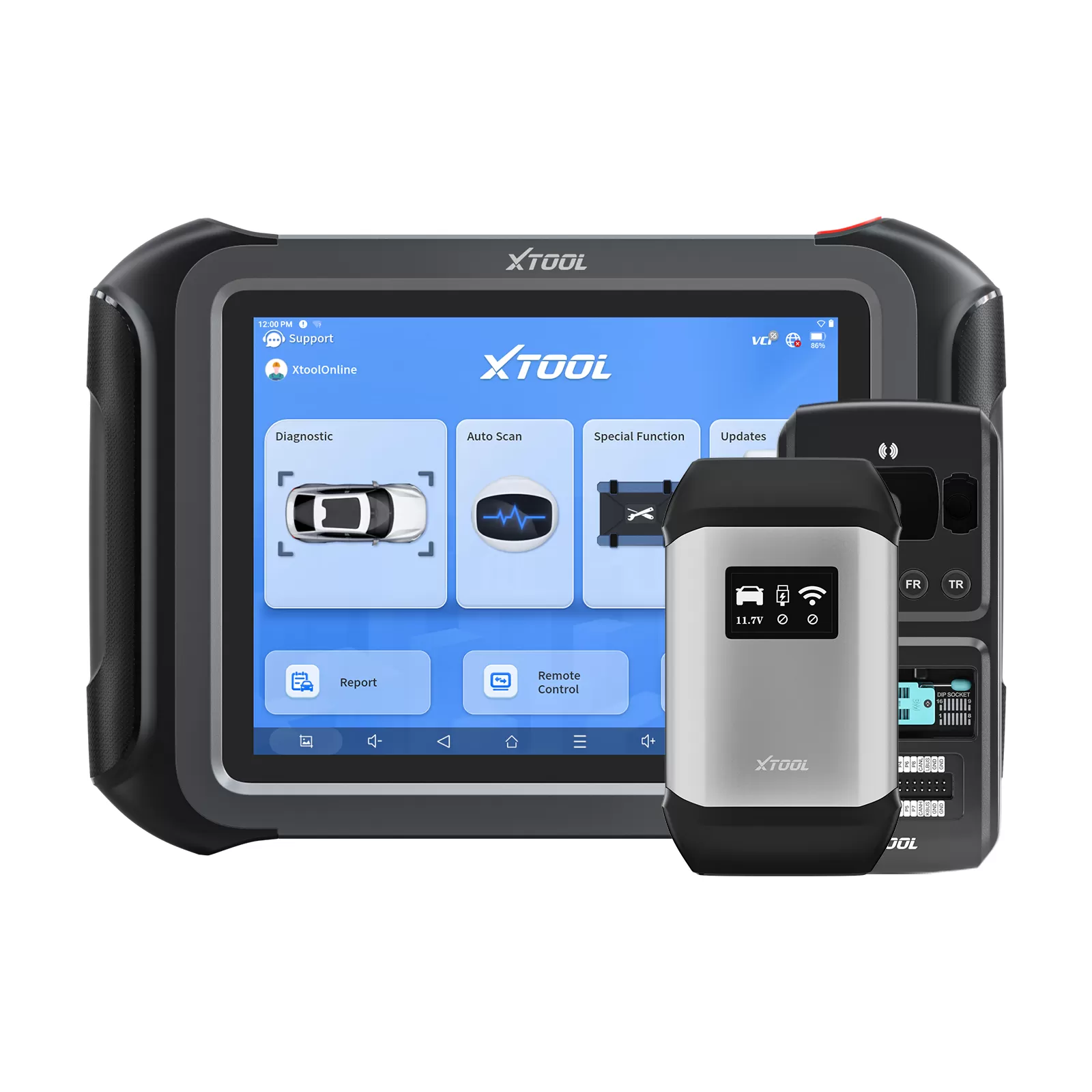
A new EV rolls into the workshop. The badge looks familiar, but the battery pack underneath is another story. The technician searches for a wiring diagram, finds one at last, and returns to the car. Now comes the tricky part: which connector on the diagram matches the one in front of him? This is a familiar challenge in EV repair. XTOOL E2 Pro provides wiring references and real-world reference photos where available, helping technicians match diagrams to physical connections. In this article, we look at three EV battery packs—BYD Qin L DM-i VE8, BYD Qin EV P55, and Xiaomi YU7 B1310E—and explore the process from connection verification to CAN inspection and battery data reading.
battery packs can differ in connector layouts, pin assignments, and communication configurations. Even vehicles from the same manufacturer may use different connection arrangements. Before connecting diagnostic equipment, technicians need to identify the correct connection points and verify them against reliable, model-specific wiring information. Power connections, including positive and negative terminals, and communication lines such as CAN-H and CAN-L must be identified according to the applicable wiring diagram and pinout. Wire colors alone are not a reliable guide. Comparing wiring diagrams with real-world reference photos helps technicians identify the corresponding connectors and reduce avoidable connection errors.
A wiring diagram is more useful when it can be matched to the actual hardware. The following examples show how model-specific references can help technicians identify battery pack connections.
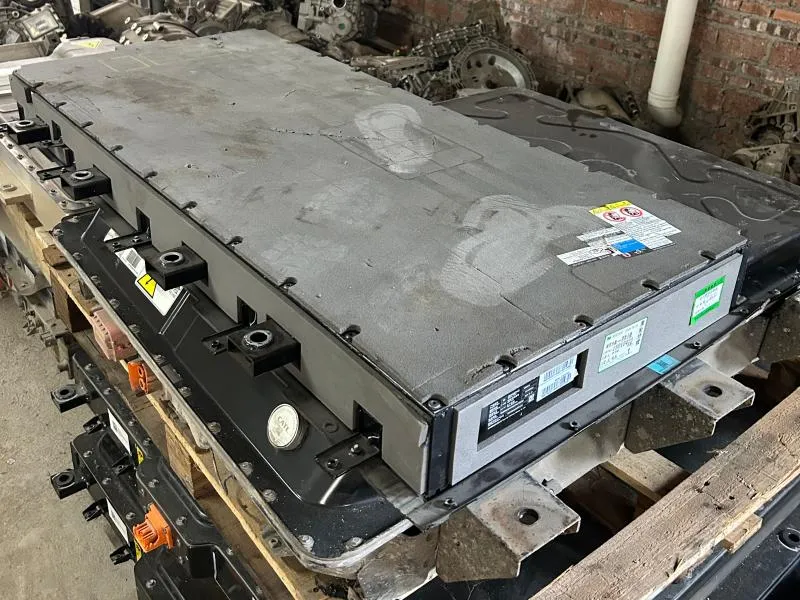
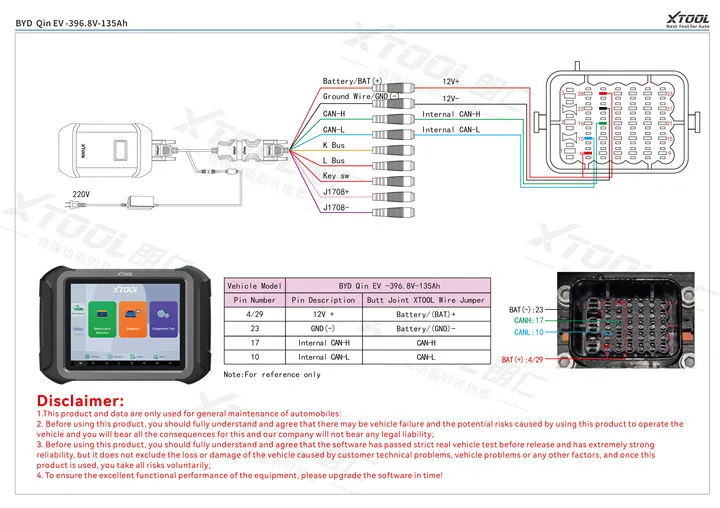
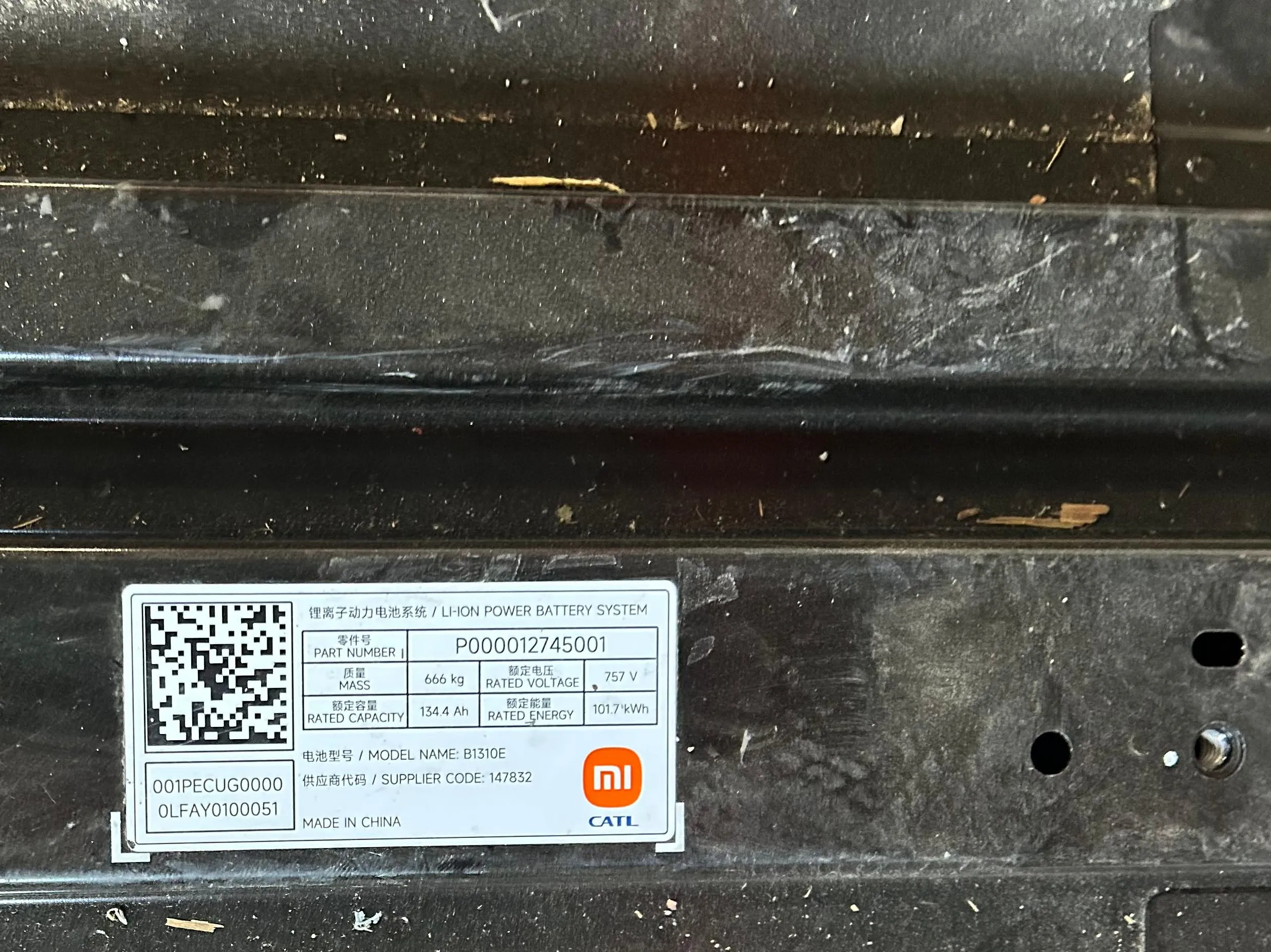
For each battery pack, compare the wiring diagram with the corresponding real-world reference photo. Confirm the battery pack version and pinout, match the diagram to the actual connector layout, and follow the specified connection procedure before data acquisition. Similar vehicle names do not guarantee identical wiring.
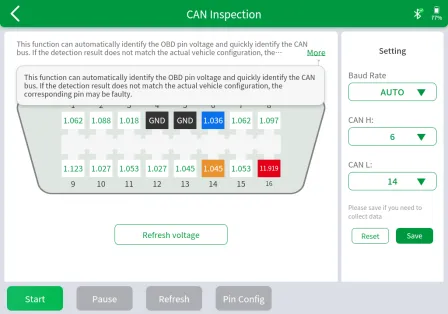
After identifying the connection points, check whether the setup works as expected. XTOOL E2 Pro provides wiring references and real-world reference photos where available. Follow the device instructions during connection and data acquisition. If communication cannot be established or data acquisition does not proceed as expected, recheck the connector, pin assignments, and applicable configuration. When further checks are needed, the CAN INSPECTION function supports pin-voltage detection, customized pin configurations, baud-rate checking, automatic identification of OBD pin voltages, and CAN bus identification. If the detected configuration differs from confirmed wiring information, investigate possible connection, pin-assignment, or configuration issues. These results provide diagnostic clues, not definitive proof of a faulty component.
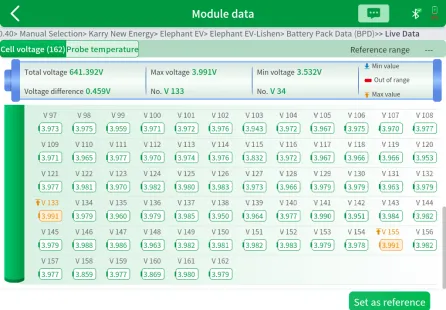
Once communication is established and the battery pack is supported, XTOOL E2 Pro can help technicians examine available battery data. Depending on the vehicle and battery system, readings may include total battery pack voltage, individual cell voltages, and temperature data from individual temperature probes. Cell voltage readings can be displayed in different colors to distinguish voltage ranges and highlight cells that may require further investigation. If one cell's voltage differs from neighboring cells, compare the result with manufacturer specifications, battery operating conditions, and other relevant data before deciding whether additional testing is needed. A voltage difference is a diagnostic clue, not automatic proof of a defective cell.
Diagnosing an unfamiliar EV battery pack starts with identifying the correct connections. Model-specific wiring references help technicians match diagrams to physical connectors, while CAN INSPECTION supports further communication checks. On supported models, battery voltage and temperature readings provide additional diagnostic information. With XTOOL E2 Pro, technicians can follow a more structured process: identify the connections, check communication, and examine available battery data. Looking for an EV diagnostic solution for your workshop? Contact the XTOOL team to learn more about XTOOL E2 Pro and its supported vehicle coverage.
Written by Echo CHEN