Select the XTOOL website you want to visit.
You will only be redirected after selecting a website.
When your check engine light comes on, a basic OBD2 scanner can help you find out what's happening. But what if you're replacing rear brake pads, troubleshooting an ABS fault, or performing maintenance that requires communication with a vehicle's electronic control modules?
That's where a professional diagnostic tool can make a difference.
The real question isn't how many features a scanner has. It's whether those features match the work you need to do.
A basic OBD2 scanner is primarily designed for standardized, emissions-related diagnostics. It can typically read and clear supported trouble codes, display engine data, and help identify why the check engine light is on.
A professional diagnostic tool goes further, providing access to additional vehicle systems and advanced diagnostic operations.
| Capability | Basic OBD2 Scanner | Professional Diagnostic Tool |
|---|---|---|
| Read and clear OBD2 codes | Yes | Yes |
| Diagnose ABS, SRS, and transmission systems | Usually not | On supported vehicles |
| Bidirectional control | Usually not | On supported vehicles |
| EPB, ABS bleeding, and other service functions | Usually not | Model- and vehicle-dependent |
| ECU coding and advanced diagnostics | Usually not | On selected models and vehicles |
These distinctions describe typical capabilities. Some compact scanners also offer enhanced diagnostics and service functions.
Imagine replacing the rear brake pads on a vehicle equipped with an Electronic Parking Brake.
On some vehicles, the EPB system must be placed into a specific service mode before certain brake maintenance procedures can begin.
A basic OBD2 code reader typically cannot perform this operation. A diagnostic tool with the appropriate EPB service function can communicate with the vehicle's braking system and support the required procedure.
Replacing rear brake pads on certain vehicles equipped with an Electronic Parking Brake (EPB) may require a diagnostic tool to place the system into service mode.
In this recorded XTOOL demonstration, the diagnostic software identifies a Toyota RAV4 and accesses the Brake/EPB system.
The technician selects One-click EPB Complete Release and reviews the on-screen safety instructions before proceeding.
After an initial unsuccessful attempt and a retry, the software reports "EPB release is complete", followed by a success message.
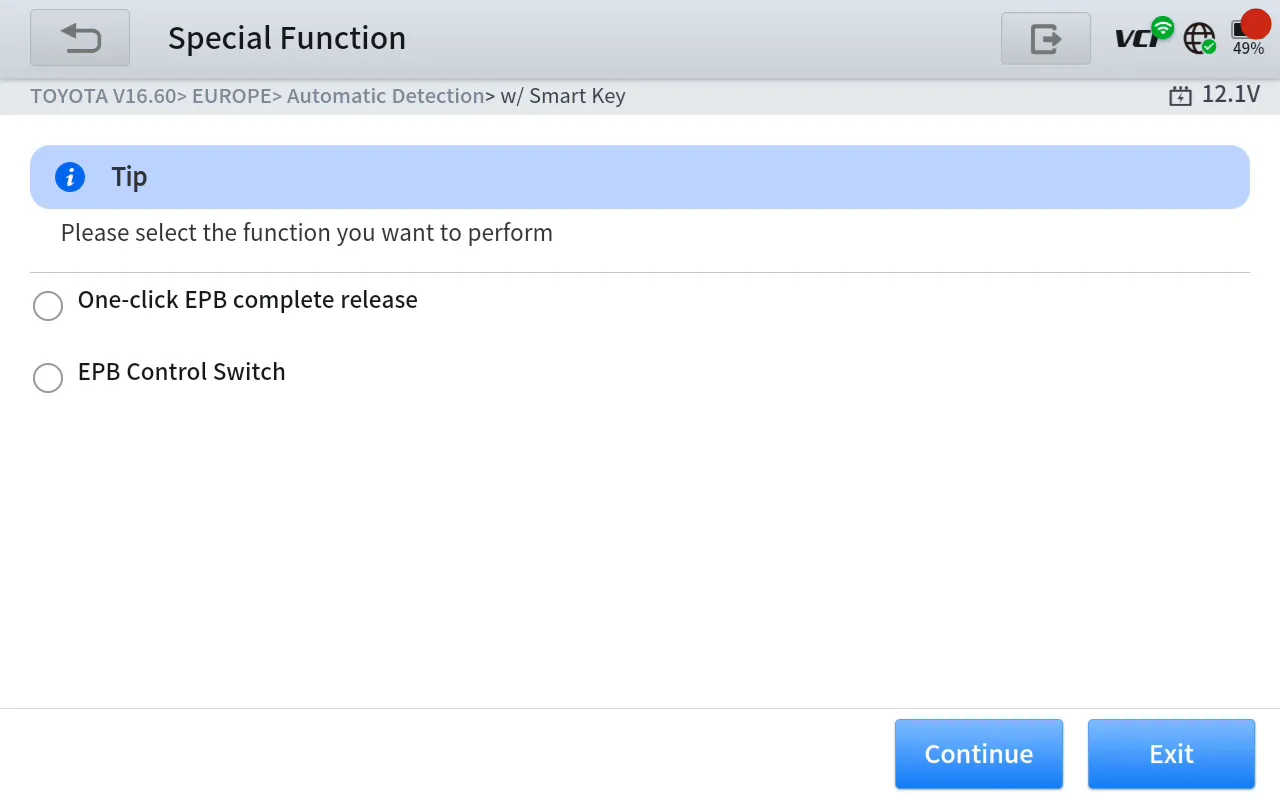
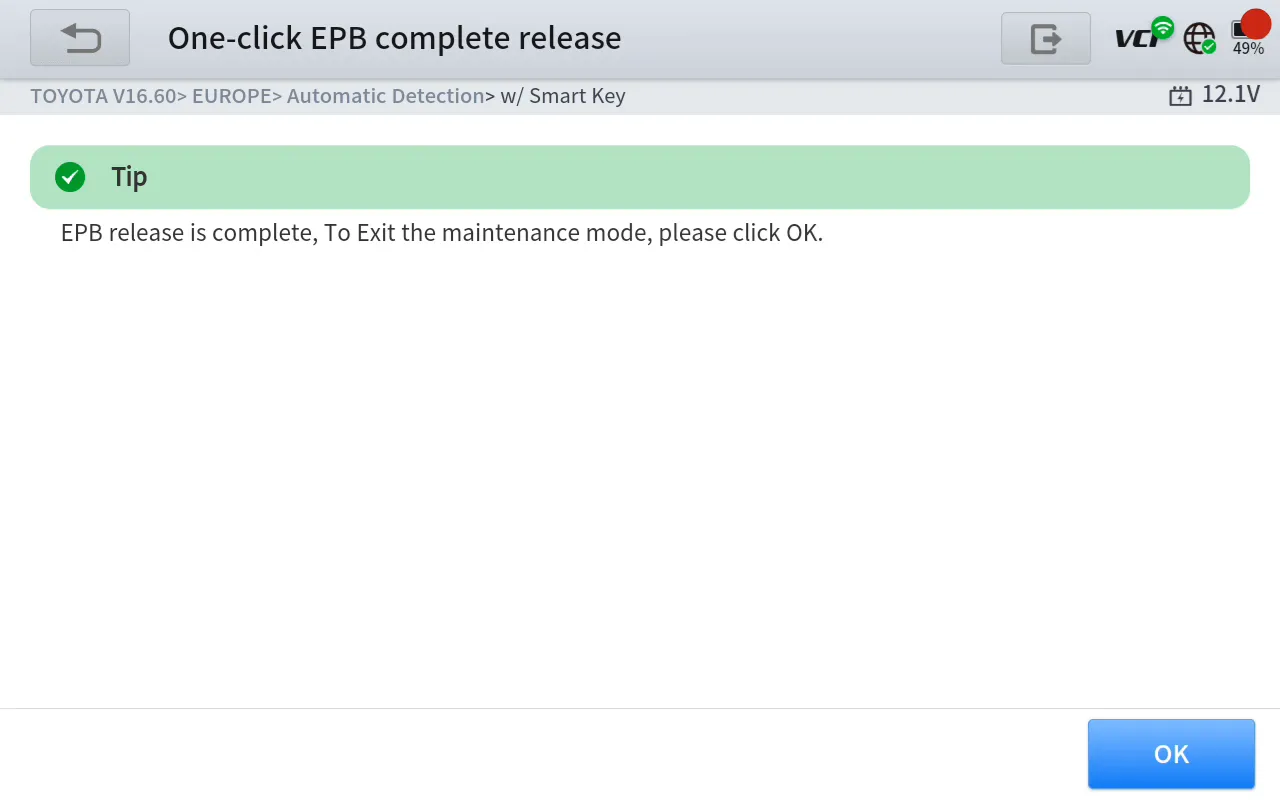
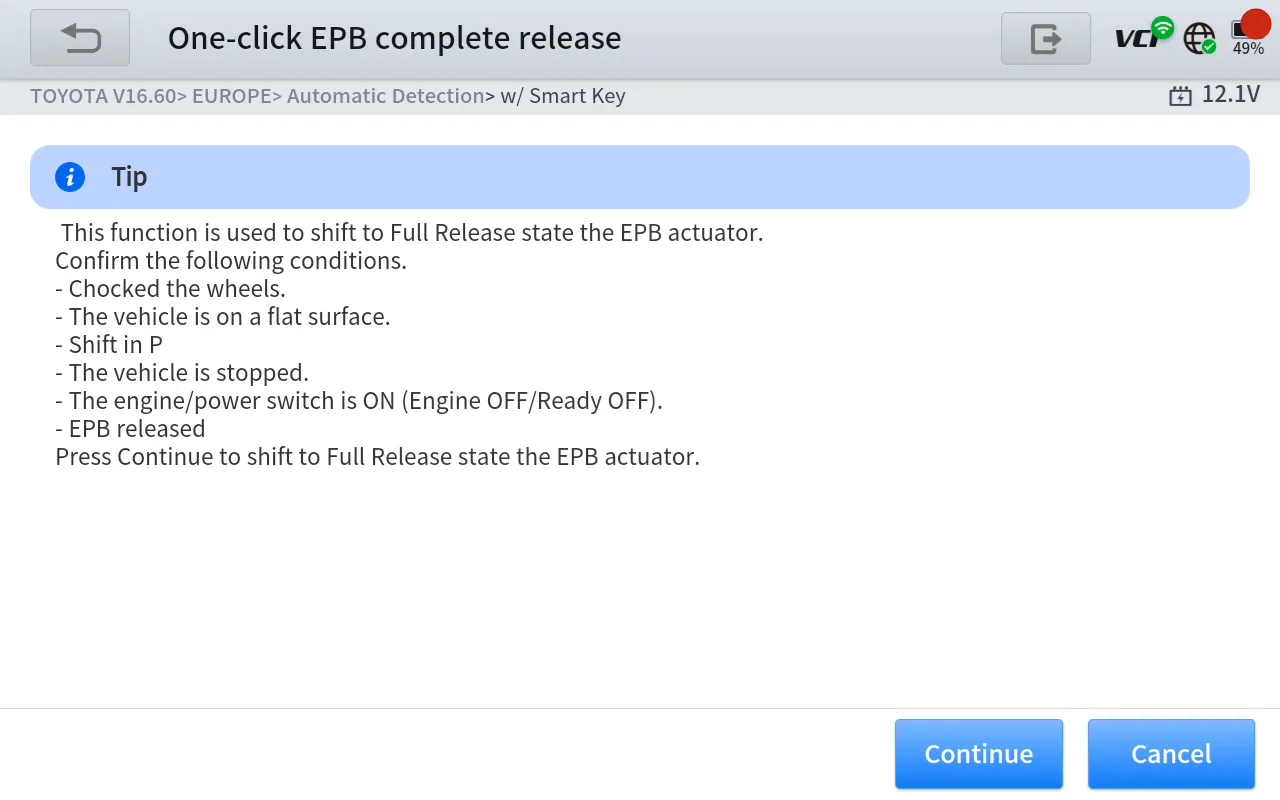
This example shows why advanced diagnostic capabilities matter. Unlike a basic OBD2 code reader, a compatible diagnostic tool can communicate with vehicle-specific control systems to support certain maintenance procedures.
The demonstration shows the software-reported operation result, not independent verification of completed mechanical repairs. Function availability and procedures vary by vehicle and software version.EPB service is a practical example of why advanced diagnostic capabilities matter. Instead of simply reading a fault code, the tool can support a specific maintenance operation.
Actual EPB functions vary by vehicle and software coverage. Always follow the vehicle manufacturer's service procedures and safety instructions.
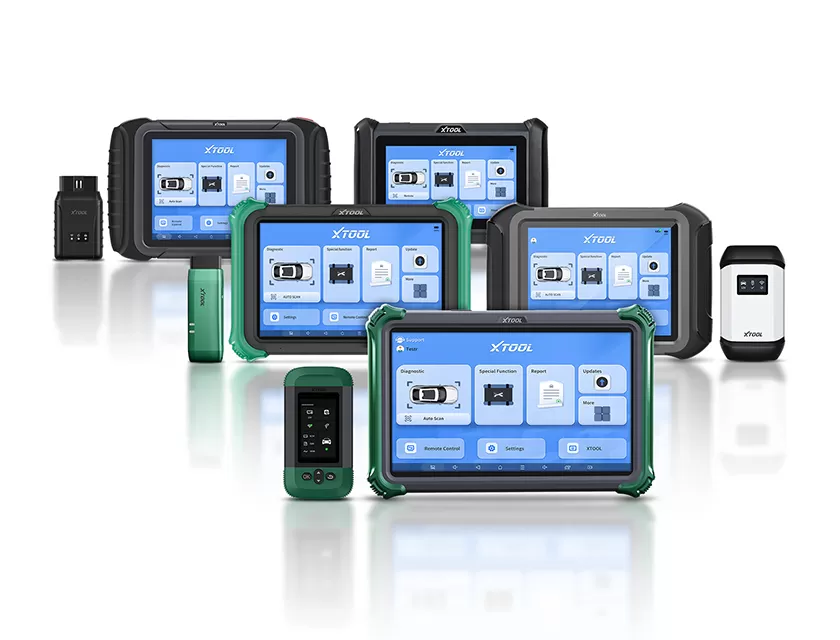
Not everyone needs a high-end workshop scanner. XTOOL offers different levels of diagnostic equipment to match different users.
| XTOOL Model | Best For | Why Choose It? |
|---|---|---|
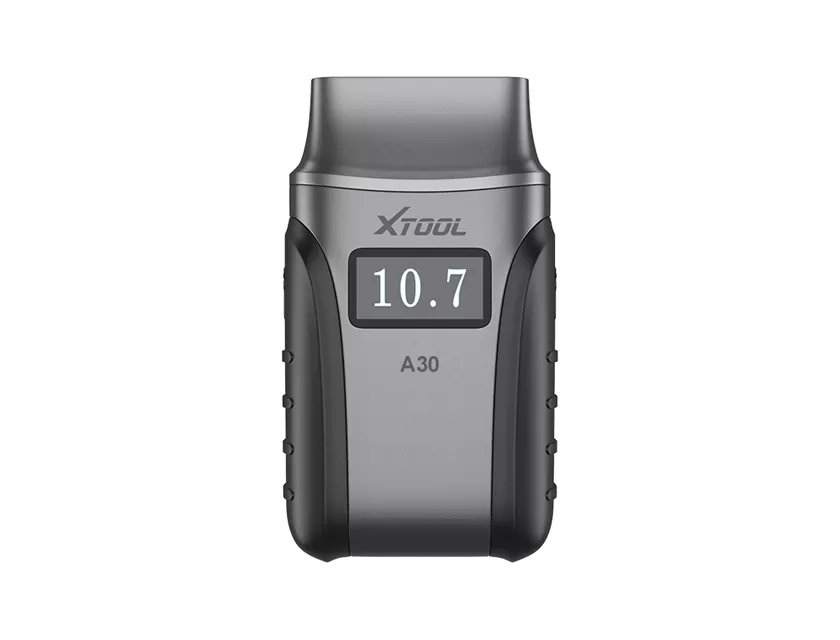
| A30X | DIY car owners | Compact, smartphone-based diagnostics with selected advanced functions |
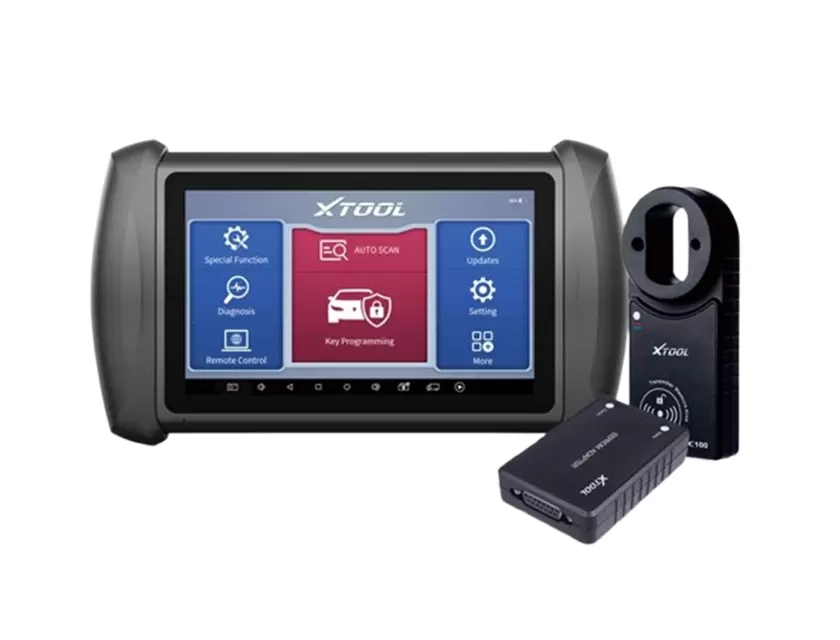
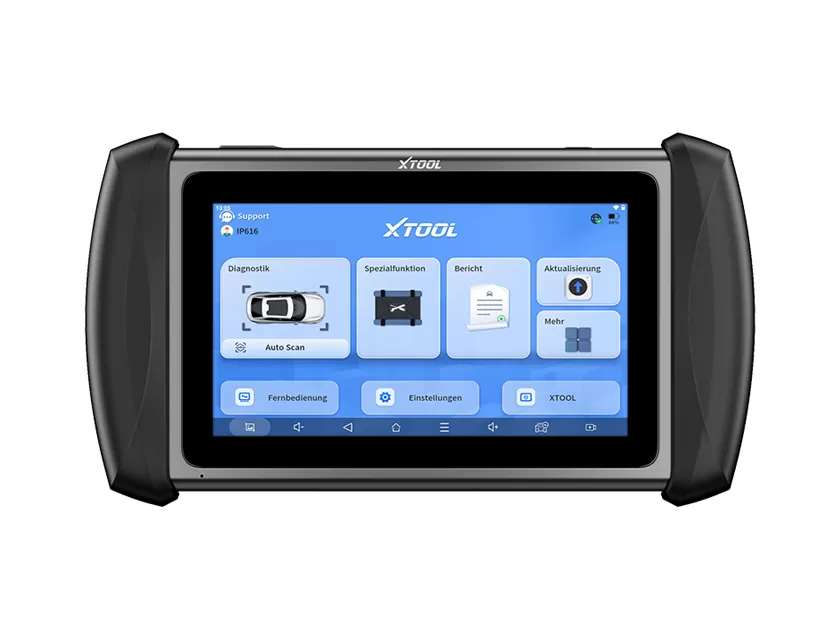
| XT70 | Advanced DIY and entry-level technicians | Balanced 7-inch diagnostic tool for broader everyday diagnostics |
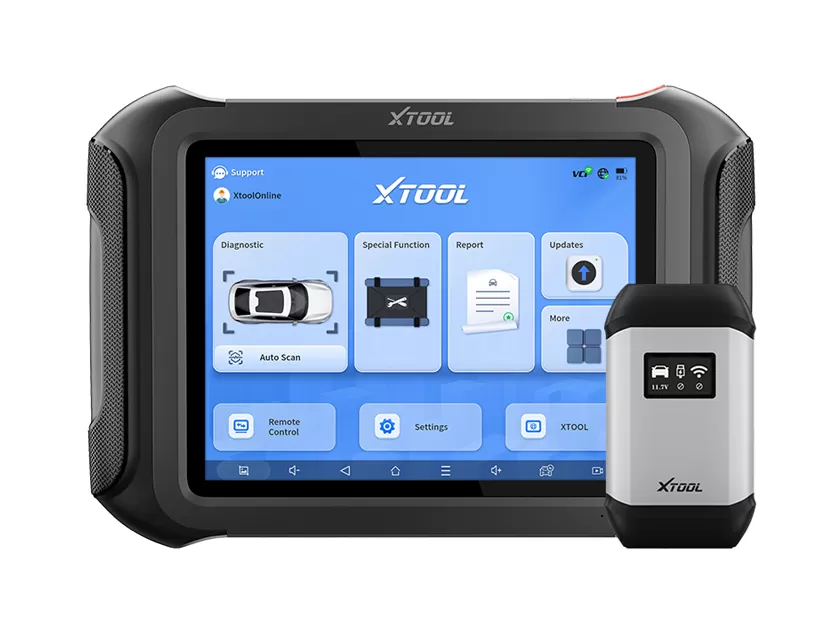
| XT80 | Professional technicians | Professional-grade system diagnostics, maintenance functions, and advanced workflows |
| Compass Master | Advanced repair workshops | High-performance platform for comprehensive diagnostics and more complex operations |
XTOOL's 7-inch and larger diagnostic platforms support communication technologies such as CAN FD and DoIP. Higher-end models offer more extensive professional diagnostic workflows.
However, hardware compatibility does not guarantee that every vehicle or function is supported. Exact capabilities depend on the model, vehicle, software version, and region.
Choose a basic OBD2 scanner if you mainly want to check engine fault codes, monitor basic data, and understand common warning lights.
Choose an enhanced DIY diagnostic tool if you also perform occasional maintenance and need selected service functions without investing in a larger workshop tablet.
Choose a professional diagnostic tool if you regularly work on multiple vehicle systems, perform active tests, or carry out advanced maintenance and repair procedures.
Before buying, check the tool's compatibility with your vehicle and the specific functions you need.
The best scanner isn't necessarily the most expensive one. It's the one that helps you get the job done.
Explore XTOOL's diagnostic solutions and choose the capabilities that fit your vehicle or workshop.
Explore XTOOL Diagnostic Tools
Product features and supported functions vary by model, vehicle, model year, software version, and region. Verify exact product capabilities before purchase.
Writer:XTOOL Team