Select the XTOOL website you want to visit.
You will only be redirected after selecting a website.
An EV OBD2 scanner can help technicians retrieve diagnostic information from compatible electric vehicles, but connecting to the diagnostic port does not guarantee access to every vehicle system. Battery management systems (BMS), thermal management, charging components, and other electronic control units may require manufacturer-specific communication and supported diagnostic functions.
For independent repair shops and EV service providers, understanding EV OBD2 scanner compatibility before purchasing equipment helps prevent unsupported service tasks and unnecessary investment. XTOOL provides EV diagnostic equipment for professional workshops, and the following guide explains how to evaluate compatibility based on the vehicles and functions your business needs.
EV diagnostic compatibility means that the vehicle, diagnostic interface, software, and intended diagnostic function can communicate successfully under the supported operating conditions.
The physical OBD2 connector is only one part of this process. Standardized OBD services provide a defined set of diagnostic capabilities, while access to additional vehicle modules and manufacturer-specific functions depends on the vehicle and tool implementation.
The SAE J1979 diagnostic standard describes diagnostic communication for emissions-related OBD within its scope. It should not be interpreted as a guarantee of complete access to every EV control module.
Before purchasing an OBD2 scanner for electric cars, confirm the vehicle make, model, model year, market, powertrain type, and specific module you need to diagnose. The U.S. Department of Energy's vehicle guide distinguishes battery electric vehicles (BEVs), plug-in hybrid electric vehicles (PHEVs), and hybrid electric vehicles (HEVs). These powertrain categories have different system architectures and service requirements.
Generic OBD2 data refers to standardized diagnostic information available through applicable OBD services, whereas manufacturer-specific EV data depends on vehicle implementation and supported diagnostic access.
A generic scan may retrieve certain supported codes or data, but a workshop may need additional coverage to investigate a particular battery, charging, or thermal-management issue.
| Diagnostic task | Generic OBD2 capability | What to verify |
|---|---|---|
| Read supported diagnostic trouble codes (DTCs) | May be available through applicable services | Which systems and codes are supported |
| View standardized live data | Depends on the vehicle and available parameters | Actual supported data list |
| Read BMS information | Not guaranteed by a generic connection | Module access and available parameters |
| Diagnose charging-system faults | Depends on vehicle-specific support | Charging ECU and diagnostic functions |
| Run active tests or special functions | Not guaranteed | Exact function and vehicle coverage |
| Read additional body or thermal modules | Depends on implementation | Supported modules and software version |
The U.S. Environmental Protection Agency's OBD testing documentation explains the role of onboard diagnostics in monitoring and reporting emissions-related faults. For EV workshops, the key purchasing lesson is that standardized OBD access and comprehensive manufacturer-specific diagnostics are different requirements.
EV scanner compatibility verification is the process of matching a specific vehicle and diagnostic task against documented hardware, software, and function support before purchasing or beginning a repair.
Use a three-part check: vehicle identification, target-module access, and required function availability.
First, record the vehicle make, model, model year, market, and whether it is a BEV, PHEV, or HEV. Next, identify the actual service task—for example, reading BMS fault codes, viewing supported battery parameters, or investigating a charging fault. Finally, verify that the proposed tool supports that exact vehicle and function.
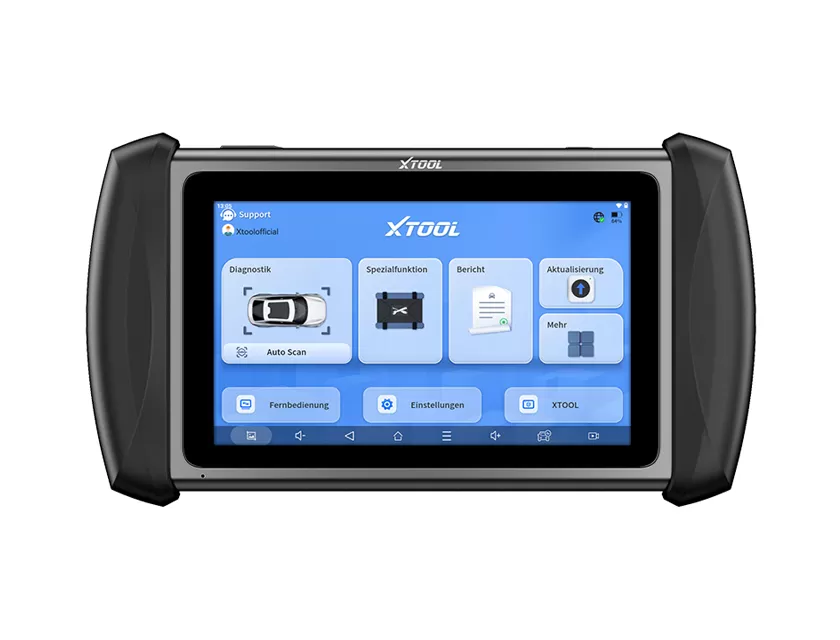
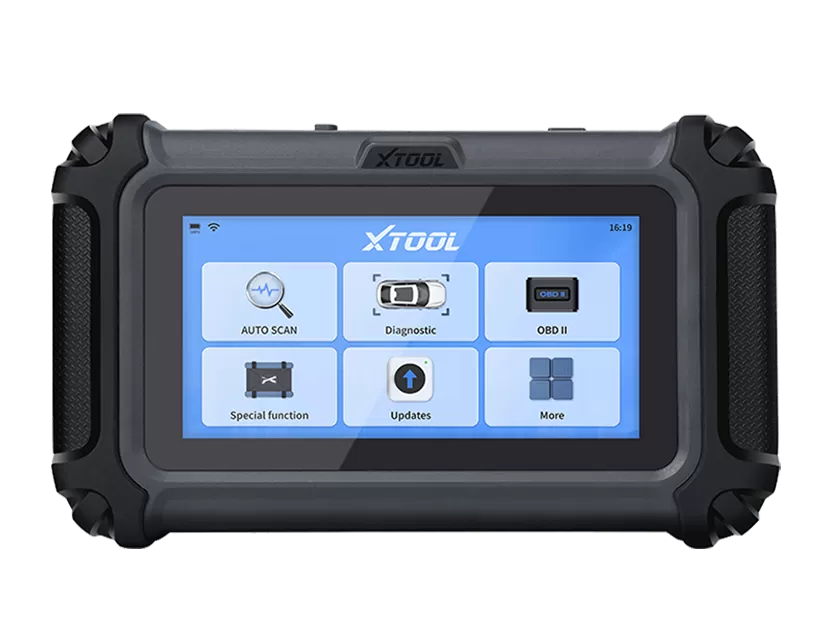
XTOOL's EV diagnostic tools provide a starting point for comparing equipment with your workshop's service requirements. The E2 Pro EV diagnostic platform is one option to evaluate, subject to confirmation of the specific vehicle and functions required.
Do not assume that support for one model year guarantees support for every version of the same vehicle. Software updates, regional configurations, communication protocols, and required accessories can affect compatibility.
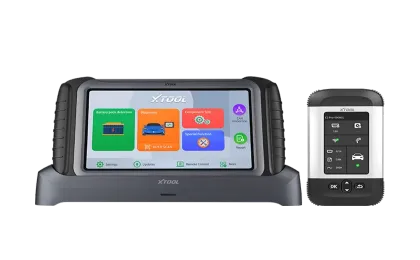
EV diagnostic tool selection means choosing equipment based on the actual vehicles serviced, required diagnostic functions, and the evidence the workshop needs to provide to customers.
A workshop mainly reading supported generic data may have different requirements from one performing detailed BMS diagnostics or manufacturer-specific service procedures.
| Workshop requirement | What to confirm before purchase |
|---|---|
| Basic fault-code checks | Supported codes and vehicle coverage |
| Battery-system diagnosis | BMS access and available data parameters |
| Charging-system investigation | Supported charging modules and functions |
| Advanced service operations | Specific active tests or special functions |
| Multi-brand workshop use | Coverage by make, model, year, and market |
Before selecting equipment, request a current function list for your most frequently serviced vehicles. XTOOL's vehicle and function coverage lists can help buyers identify the information needed for a compatibility review.
A useful quotation request should include your top vehicle models, model years, target diagnostic modules, and intended service tasks. This allows the supplier to clarify what is supported instead of relying on broad claims such as “full EV coverage.”
EV OBD2 scanner compatibility depends on more than the diagnostic connector. Vehicle architecture, communication protocols, module access, software support, and the specific service function all influence what a tool can read or perform.
XTOOL recommends verifying compatibility against your actual workshop requirements before choosing diagnostic equipment. Prepare a list of target vehicles and required functions, then request confirmation of supported modules, available data, and any additional hardware or software requirements.
Not necessarily. Generic OBD2 access does not guarantee access to the battery management system or its manufacturer-specific data. Verify the exact vehicle and supported functions.
No. The connector provides a physical access point, but diagnostic coverage depends on the vehicle, communication requirements, software, and tool capabilities.
No. BEVs and PHEVs have different powertrain architectures. Confirm the supported modules and functions for the specific vehicle type and model year.
They may. Requirements depend on the vehicle interface, communication system, and intended operation. Confirm any required cables, adapters, or accessories before purchasing.
Yes, coverage can change as software and vehicle support are updated. Check the current compatibility information and version requirements before relying on a function.
Provide the vehicle make, model, model year, market, powertrain type, target module, and intended diagnostic task. Ask the supplier to confirm the relevant functions before purchase.